
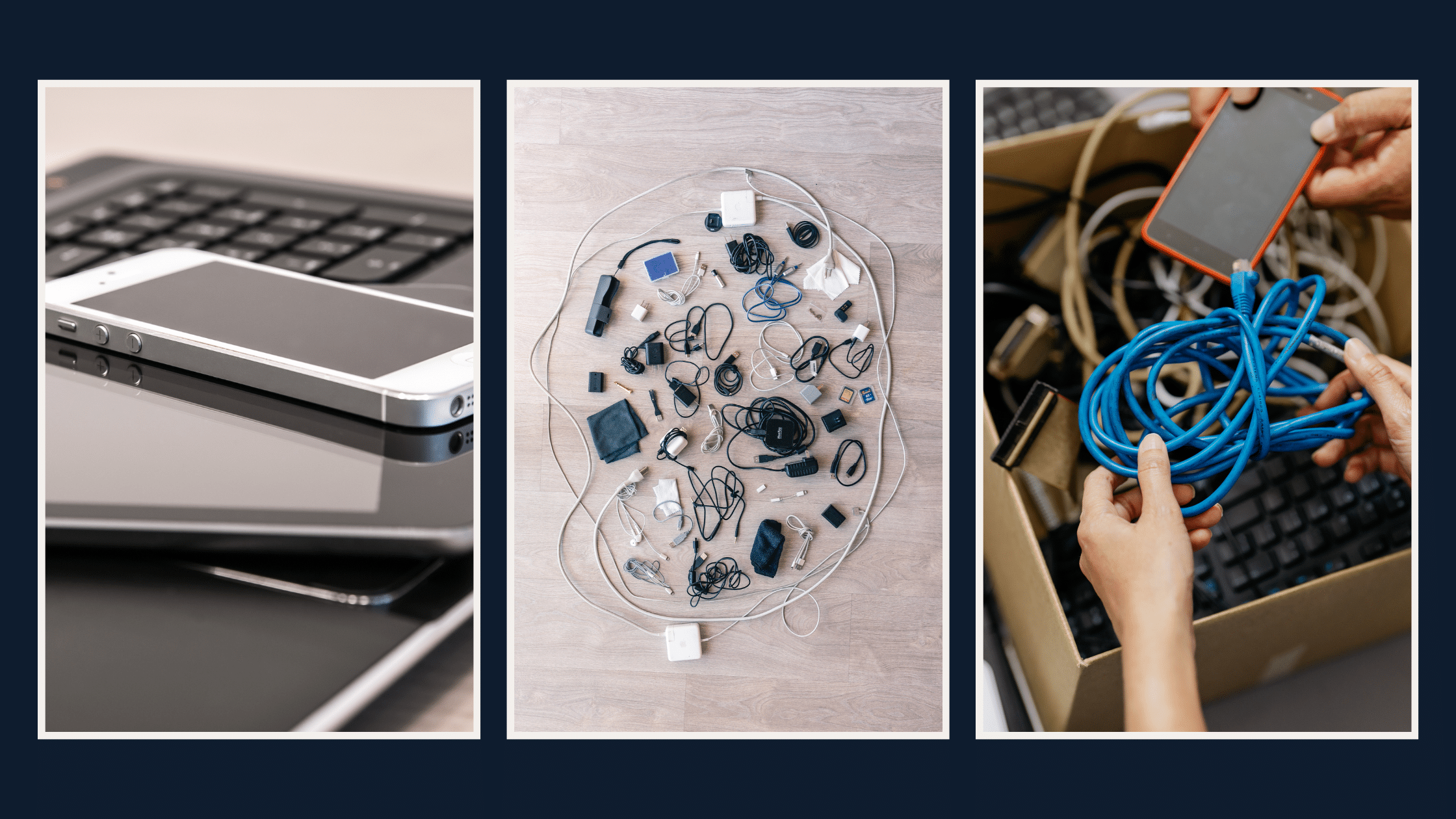
The beginning of the year is a practical time to clear out old technology. Devices that are no longer in use can take up space, slow down workflows, and even create security risks if left unattended. Taking a few steps now to review and retire outdated equipment helps you start the year organized, efficient, and prepared for whatever comes next.
Old devices often get overlooked, quietly sitting in closets, storage rooms, or under desks. While they may seem harmless, unused technology can create multiple challenges for businesses:
- Hidden security risks: Devices that still store sensitive data or have outdated software can be a potential entry point for cyberattacks. Even retired laptops or old servers can carry vulnerabilities if not properly wiped or secured.
- Operational inefficiencies: Outdated hardware can slow down processes if it’s still in circulation or creates confusion about what devices are available.
- Unnecessary costs: Storing, maintaining, or insuring unused equipment adds overhead that doesn’t contribute to productivity.
- Compliance concerns: Regulations around data protection and IT asset disposal require proper handling. Failing to retire devices responsibly can create legal or financial liabilities.
Steps to a Smarter IT Asset Cleanup
Cleaning up IT assets doesn’t have to be overwhelming. Breaking it down into clear steps can make the process manageable and valuable for your business.
- Conduct an inventory of your IT assets
Start by listing all hardware currently in use and in storage. Include laptops, desktops, monitors, servers, networking equipment, and even peripherals like printers and scanners. Knowing exactly what you have is the first step to making informed decisions. - Identify what’s outdated or unused
Once you have a full inventory, determine which devices are no longer critical to your operations. Factors to consider include age, performance, software compatibility, and usage frequency. If a device hasn’t been used in the last 12 months, it’s likely time to retire it. - Evaluate potential risks
Consider the data stored on old devices, software updates, and any security vulnerabilities. Devices that are powered off but not properly wiped can still pose a threat if they fall into the wrong hands. - Plan for secure disposal or recycling
Simply throwing old devices away is not enough. Securely wiping data, following environmental regulations, and partnering with certified recycling providers ensures both security and sustainability. Proper e-waste disposal is increasingly important as businesses face regulatory requirements and public scrutiny around environmental responsibility. - Document your process
Keep a clear record of all retired devices, how data was destroyed, and how hardware was recycled or disposed of. Documentation helps demonstrate compliance and creates accountability within your organization. - Establish ongoing IT asset management
IT cleanup isn’t a one-time task. Regular audits of hardware and software help prevent future accumulation of unused devices and reduce risks. Consider implementing an IT asset management system or working with an MSP to track and maintain assets continuously.
Why This Matters for Business Leaders
For business leaders, IT asset cleanup isn’t just an operational task—it’s a strategic opportunity. Properly managing old technology can:
- Improve workplace efficiency by reducing clutter and simplifying workflows.
- Reduce security risks by ensuring that retired devices don’t become weak points.
- Lower costs by eliminating unnecessary storage, maintenance, and insurance expenses.
- Strengthen compliance and reputation by demonstrating responsible data handling and sustainability practices.
- Provide clear insight into technology needs for the year ahead, helping guide budget and upgrade decisions.
Partnering with a Managed IT Services Provider
Working with an MSP can make the IT asset cleanup process smoother and more effective. MSPs can help:
- Audit and track all IT assets efficiently.
- Securely wipe data from devices to prevent leaks.
- Manage recycling and disposal through certified e-waste partners.
- Provide guidance on planning future upgrades and optimizing your IT environment.
By letting experts handle the cleanup process, business leaders can focus on strategic priorities while ensuring IT operations remain secure and efficient.
Start the Year With a Clear IT Environment
Taking the time at the start of the year to retire old technology is more than just tidying up—it’s a proactive step that reduces risk, improves efficiency, and lays a strong foundation for the year ahead. A well-managed IT environment makes it easier to support teams, plan for growth, and respond to challenges without unnecessary complications.
By following a structured approach to IT asset cleanup, you can make sure that old devices aren’t holding your business back and that your technology investments are fully supporting your goals.
Reach out anytime and we’ll walk you through the best steps for your business.