

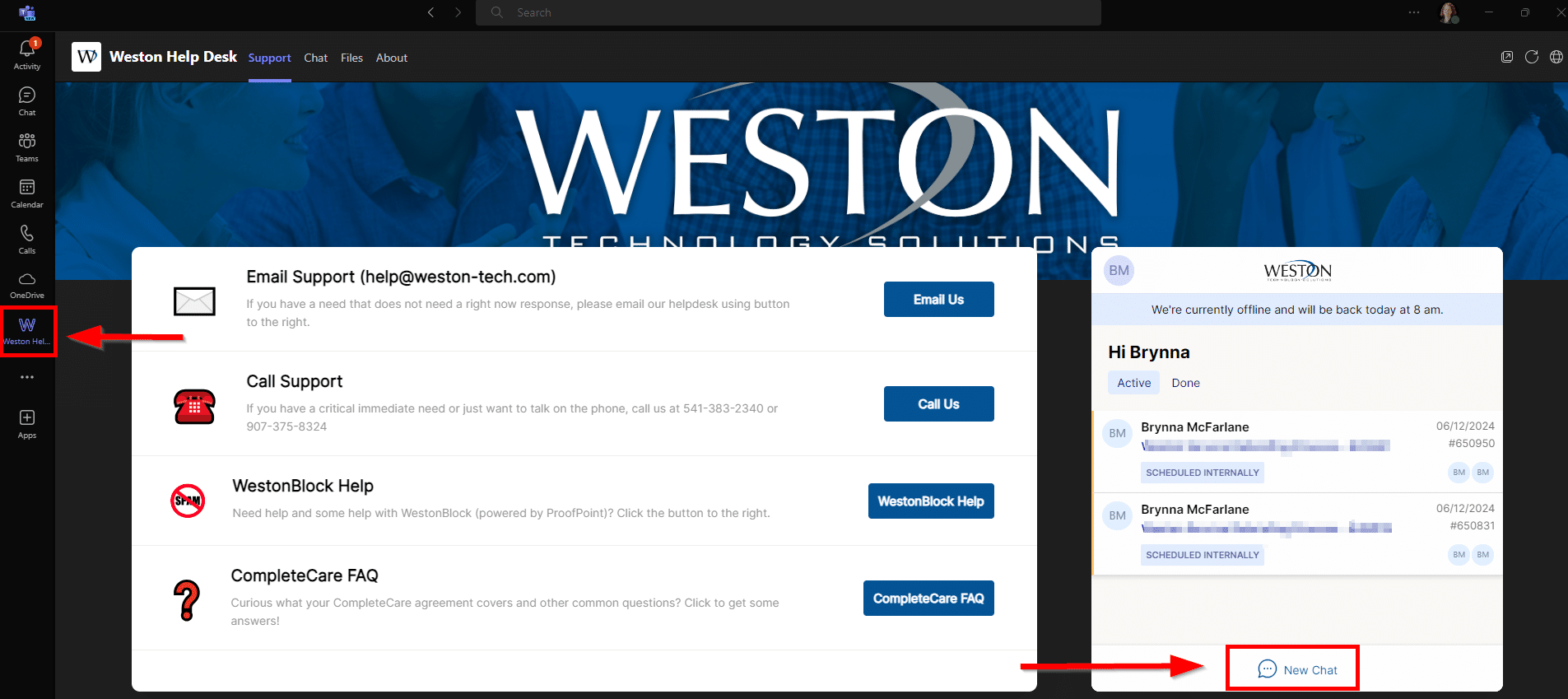
We’ve had a live chat tool for our clients for quite a few years. It’s not the best tool out there for our needs, but it works. It was always a bit clunky because it didn’t integrate well into our ticketing system, and required loading up a page in a browser. However, now that Microsoft Teams has become the center for office communication and is running on the desktops of all our clients, we thought “What if we could make it so clients could just chat with our team and manage their tickets via Teams?” We looked at a few ways to make it happen, but have finally found one and are starting to roll it out to our clients.
Since we have to manually set it up in a Team’s tenant, and we’re working out the kinks ourselves, we’re rolling it out to a few clients a week. So over the next few months, you may start seeing a “Weston Help Desk” icon show up in your Teams (we’ll email you before we roll it out to your company). Meanwhile, if we’ve rolled it out to your company and want to know more about how it works, find a quick little PDF user guide here.