

We’ve featured all sorts of useful Excel functions before on here, but nothing quite like this. While we’ve heard folks using AI to help them generate complicated formulas and functions in Excel, why not just have Copilot be part of your spreadsheet? That’s now possible with the new COPILOT function in Excel. Check this out:
Basically, you can use COPILOT function to populate, analyze, or work with your data in your spreadsheet. And since it is a function that lives in your spreadsheet, it will update if your data changes. See it in action below:
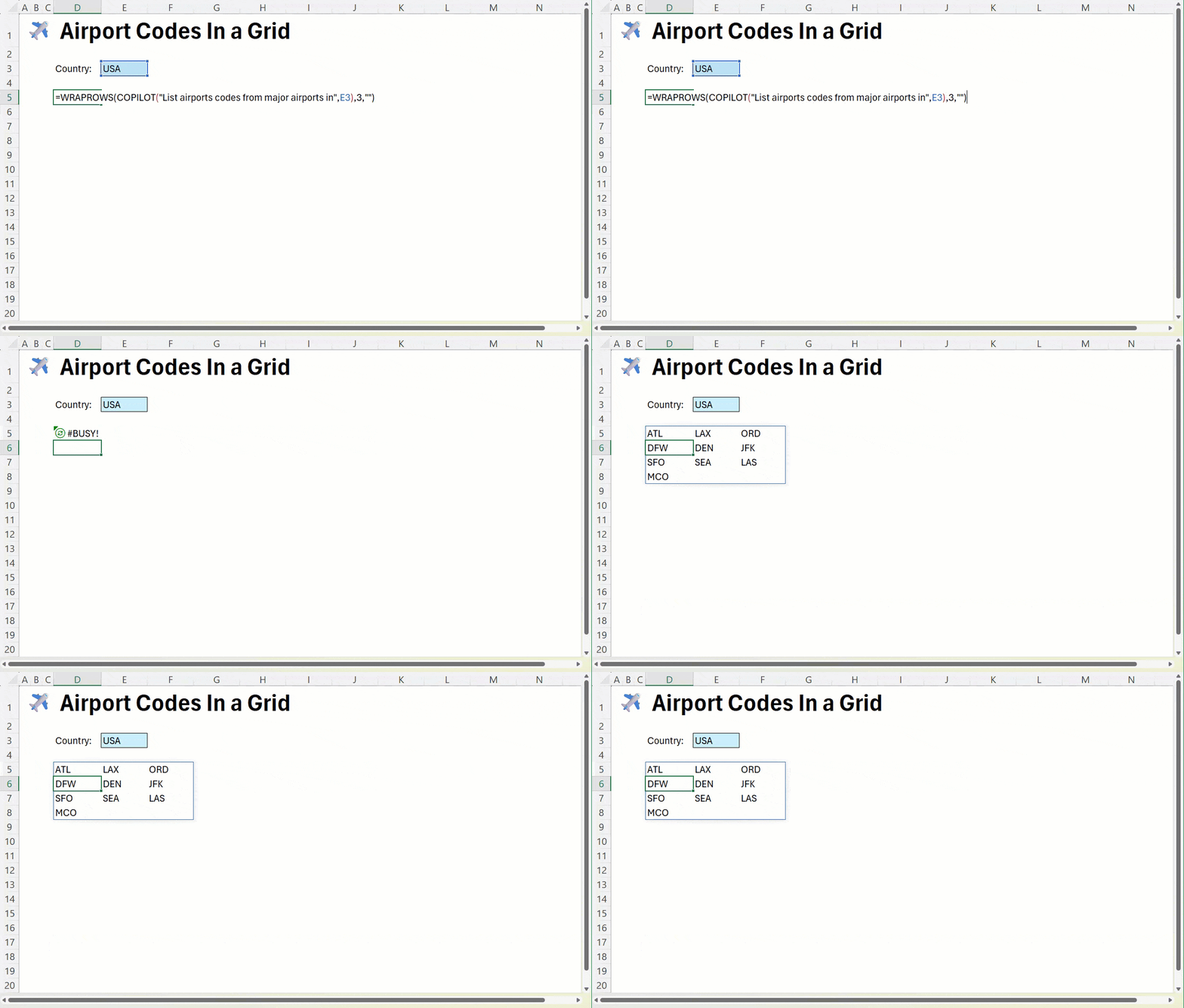
Since it’s a function built into Excel, you can use it inside other formulas like IF, SWITCH, LAMBDA, or WRAPROWS or you can use the results from other formulas as part of your prompt.
To use the new COPILOT function, you’ll enter this code into any cell: =COPILOT(prompt_part1, [context1], [prompt_part2], [context2], …)
The COPILOT function syntax has the following arguments:
- Prompt_part: Text that describes the task or question for the AI model.
- Context (optional): A reference from the grid that provides context or data for the AI model. This can be a single cell or a range.
Your data sent through the COPILOT function is never used to train or improve the AI models. The information you input remains confidential and is used solely to generate your requested output.
The COPILOT function is still being rolled out but is available in Microsoft 365 Excel Version 2509 (Build 19212.20000) or later.
Read more about the COPILOT function on Microsoft’s website.