

 Microsoft has been rolling out more and more features to PowerPoint to allow you to tell your story in a more visually appealing way. First, they rolled out video recording features, and now they’ll soon be releasing a way to insert a live camera feed using the PowerPoint Cameo feature. Here is how this feature works.
First off, do note that this feature is still rolling out, so you might not see it immediately. When you do, however, here’s how you play with it.
- Open up a new or existing presentation in PowerPoint.
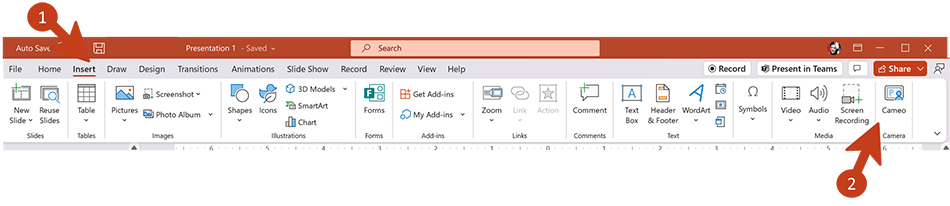
- To insert a live camera feed, select “Insert -> Cameo”

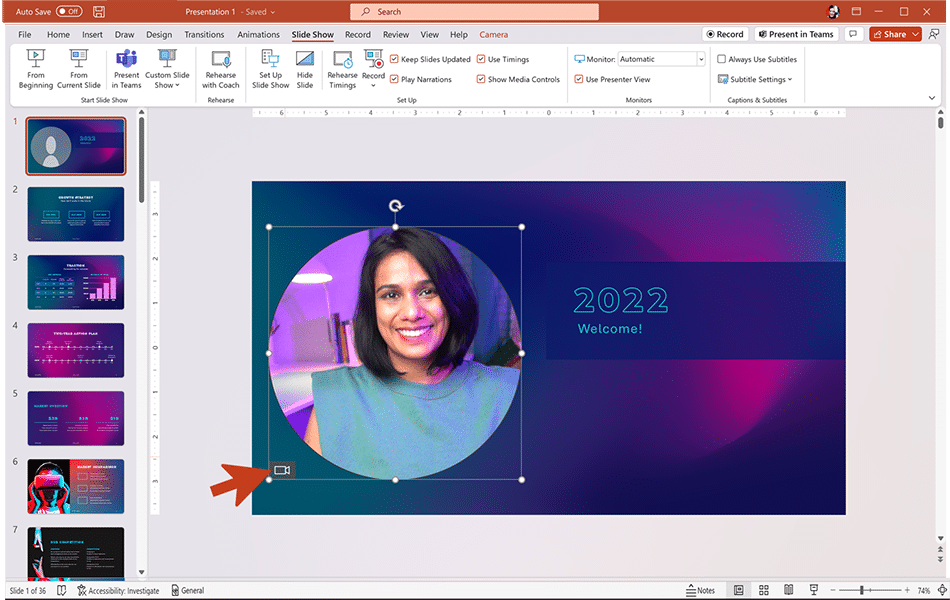
- You can turn the camera on/off by clicking on the camera object or by using the “Preview” button on the “Camera” tab.

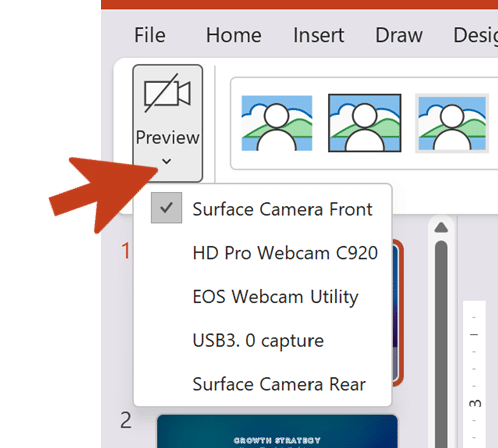
- If you have multiple cameras connected to your computer, you can hit the drop-down on the “Preview” button to select which one you’d like to use:

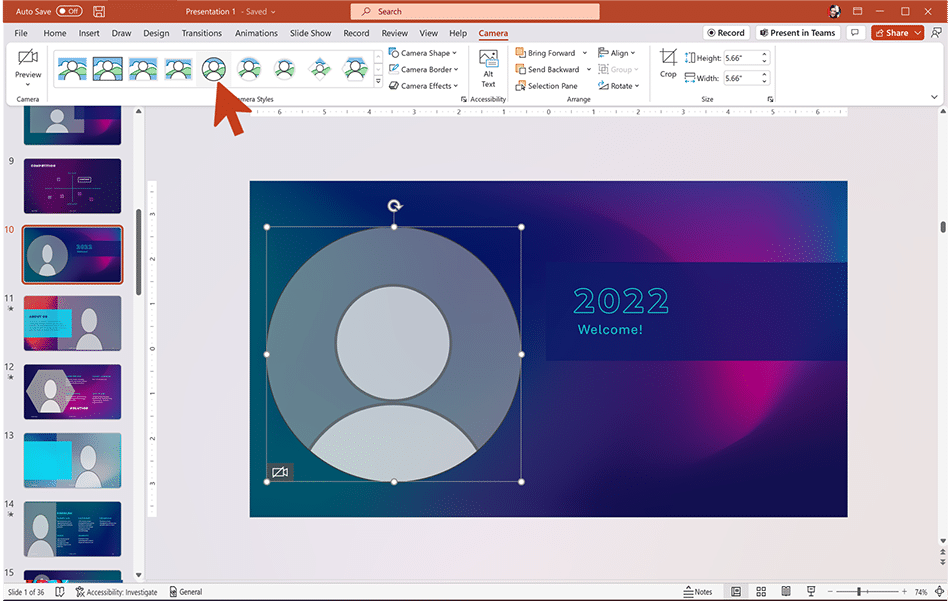
Once you get the feed setup, you can apply different styles and shapes to your feed:
Or you can apply transitions to it, just like you can any other object in PowerPoint:
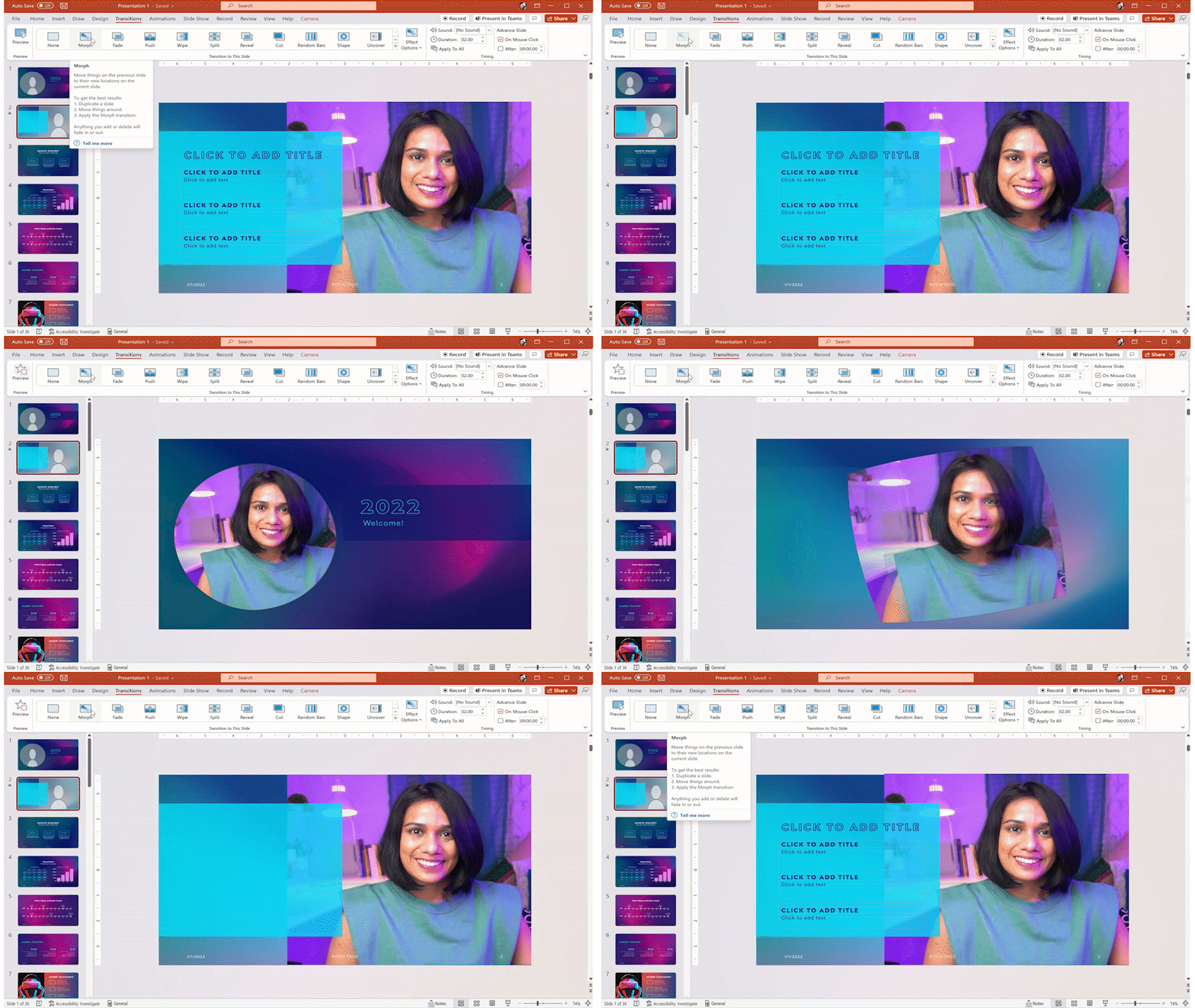
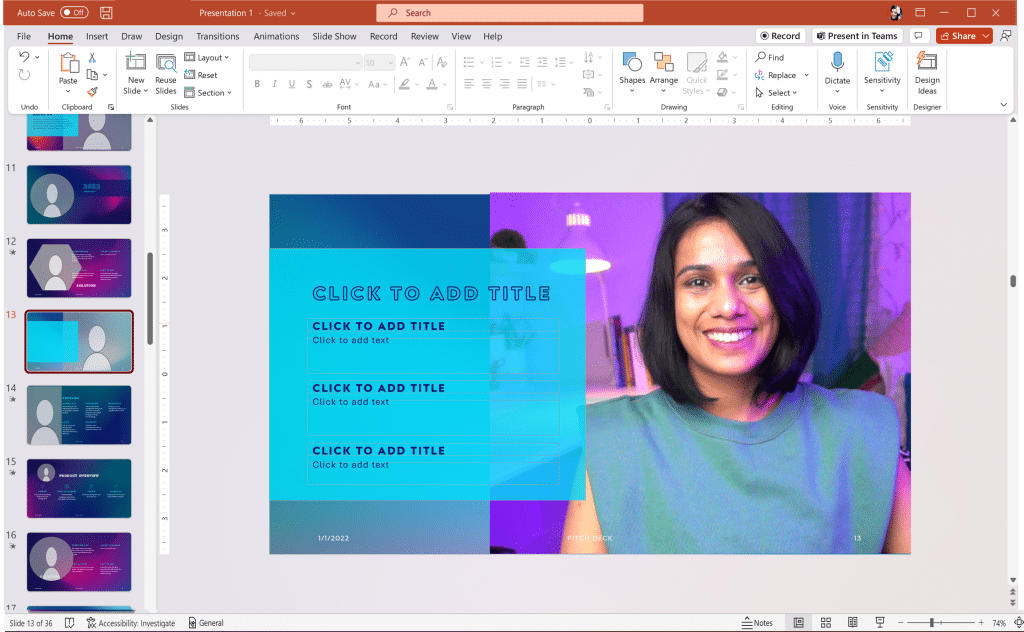
Or experiment with placing content in front of the feed:
But sometimes a video make it all much easier to figure out how you can take advantage of this feature:
It’s a very cool feature to add more life and interactivity to your presentations.
Images courtesy Microsoft.