

If you were wanting to create a hyperlink to a web page or internal link or other location in the Office programs, there are a variety of ways to do it. Microsoft even has a video on the process. But coming soon is a much better method to add a hyperlink to existing text: Just paste it in.
Coming soon, copy a link you want to include in your document, highlight the text you want to hyperlink in Word, and hit Ctrl-V to paste it. Your text is now hyperlinked.
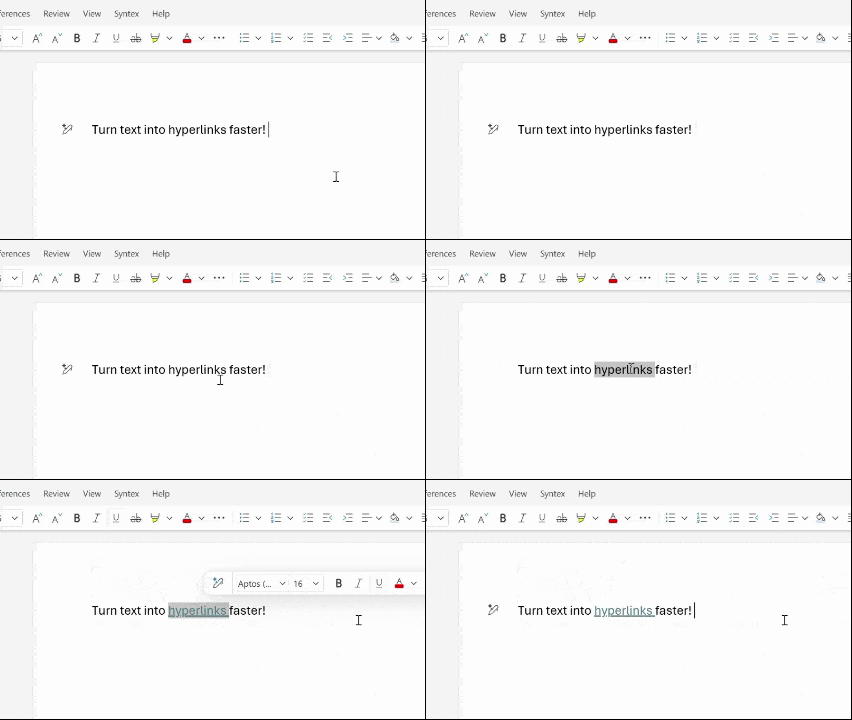
This feature is already available on Word for the Web and will roll out to Windows desktop apps in version 2511 (Build 19530.20006) or later.