

When it comes to Windows utilities, Paint, Notepad, and Snipping Tool have been around quite a while. Paint and Notepad have been part of Windows since version 1.0 in the early 1980s and Snipping Tool – despite being many years younger – is still over 20 years old. They are tools that have been around for long time and are still being updated by Microsoft. The Windows 11 version of those apps are getting some updates in the near future. Here’s what to expect:
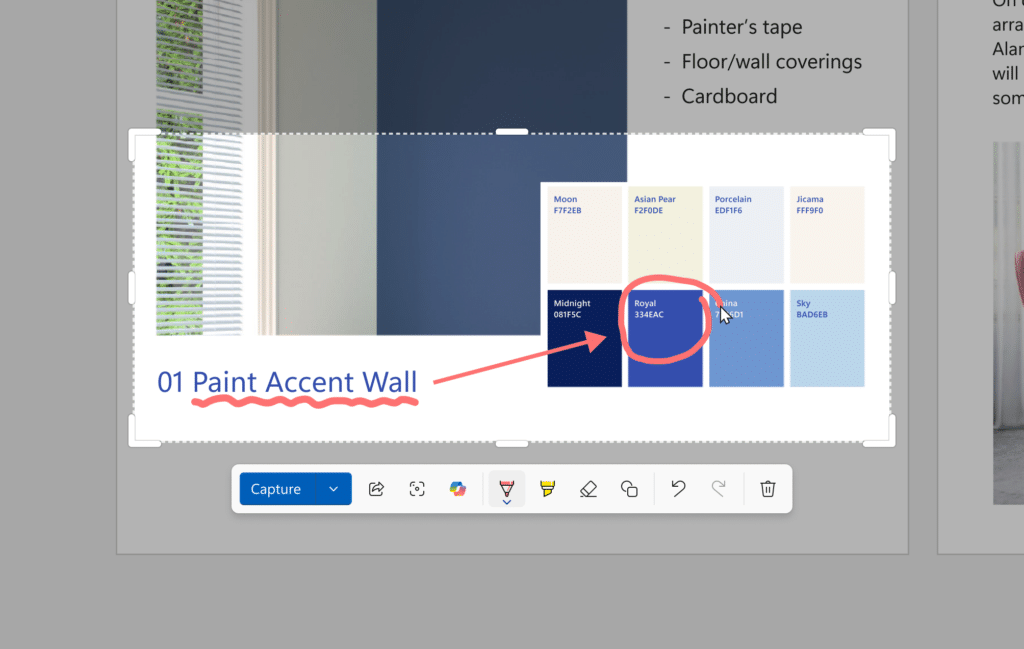
Snipping Tool: We’ve talked about how screenshots are great ways to update documentation, and the Snipping Tool has been a popular way to take screenshots. It however has been limited in functionality compared to tools like Snagit or Greenshot. However, the lastest update will get it closer to on-part with those tools as the Snipping Tool is getting a new quick markup tool that is available before the screenshot is taken, allowing you to do some quick markup of the screenshot before saving. While the full Snipping Tool editor allowed a handful of edits, this will allow things to be marked up right as the screenshot is being taken, allowing for streamlined and more efficient workflows.
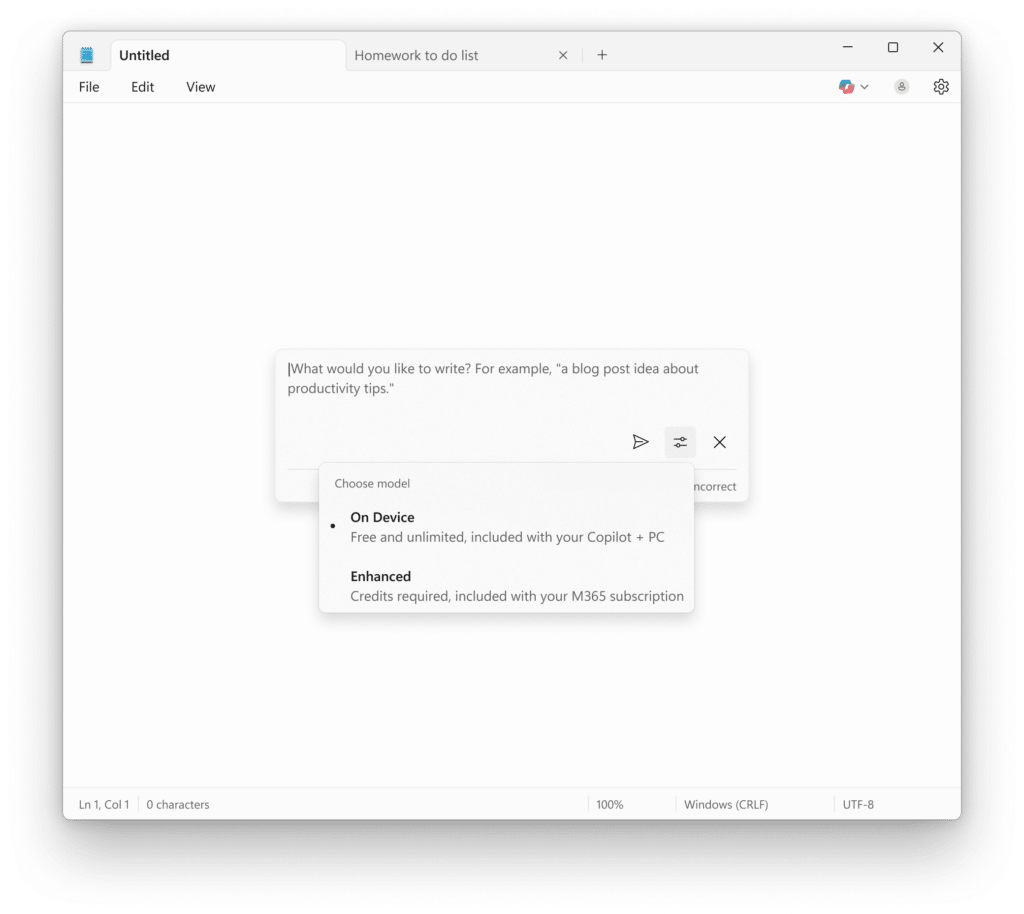
Notepad: The simple text editor is getting some more advanced features. On Copilot+ capable PCs, or with a Copilot for Microsoft 365 subscription, you can take advantage of new AI features in Notepad like Summarize, Write, and Rewrite, similar to what you’d find in Copilot in Microsoft Word.
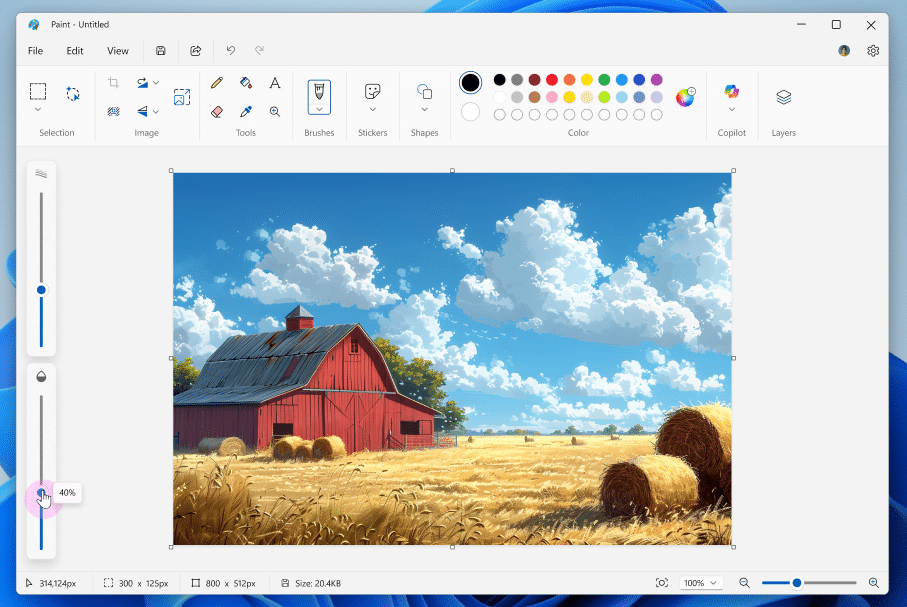
Paint: It was called Paintbrush back in the early Windows days, but Paint has gradually became a handy little image editor in Windows. While it will never compete with the likes of Photoshop (as long as Adobe has anything to say about it), the latest updates will make it very useful for quick edits. It now has the ability to save as a project file, making it possible to save where you are in the editing process and come right back to it. There is also a new opacity slider, allowing you to add transparency to your pencil and paintbrush strokes. With past updates to include layers and additional transparency functionality, you can do some much more advanced work in Paint than you could back in the day.