

 If you’ve ever thought to yourself “Boy, I wish Teams would show me more of my chat history at once” wish no more: Teams now offers the ability to show more text in “Compact Mode.”
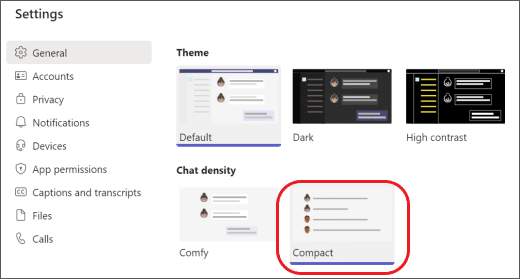
To set it up, head to the upper right of the Teams interface by your profile picture, select Settings and more > Settings > General.
Under Chat Density, select “Compact”:
Now you’ll see more of your chat history and a wider box for you to type messages.
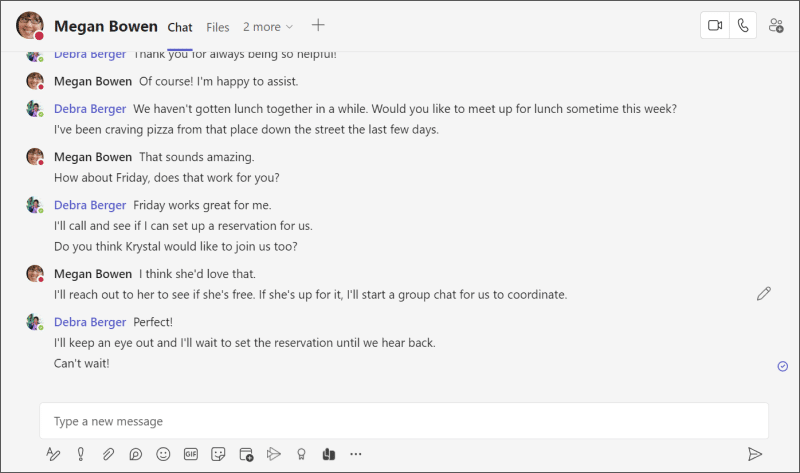
Less bubbly and more about the text.
To set it back to the default mode from before, head back to the same menu and select “Comfy.”
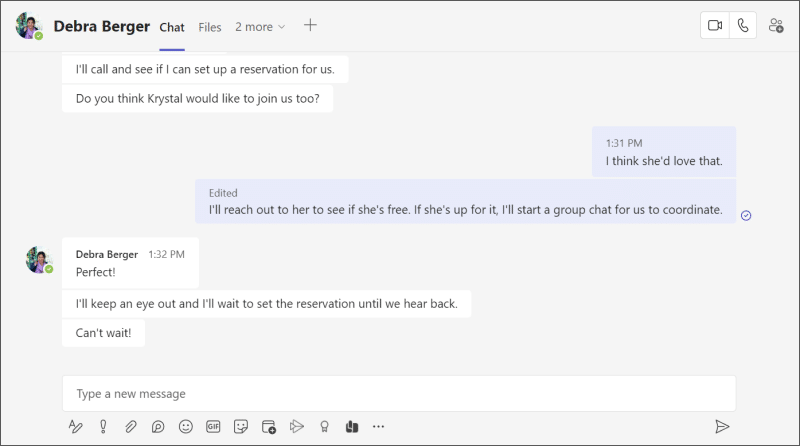
This setting currently only affects chat conversations and not conversations within Teams channels.
Images courtesy of Microsoft.